Key features
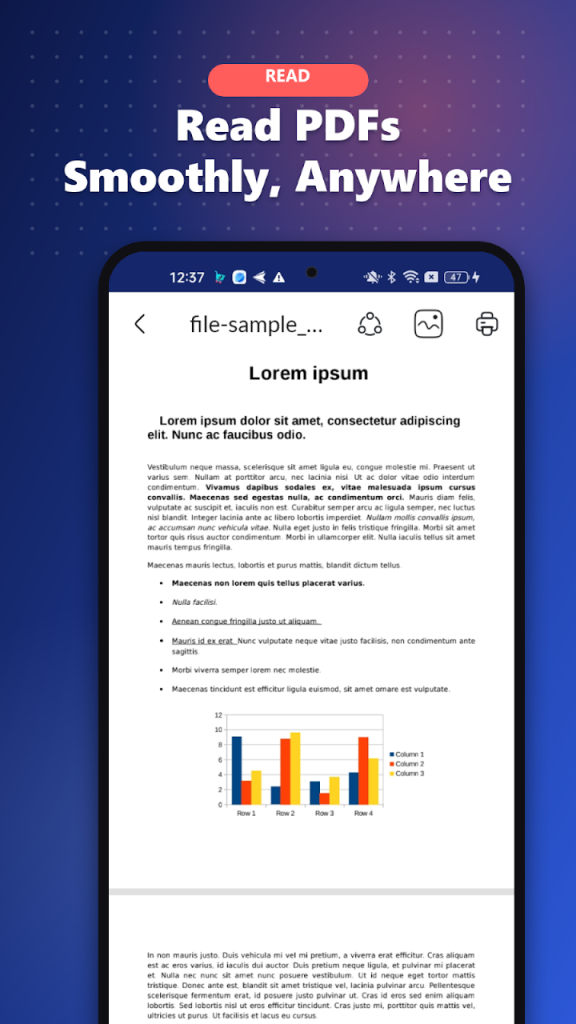
- Smooth PDF viewer with vertical or horizontal paging, night mode and table of contents
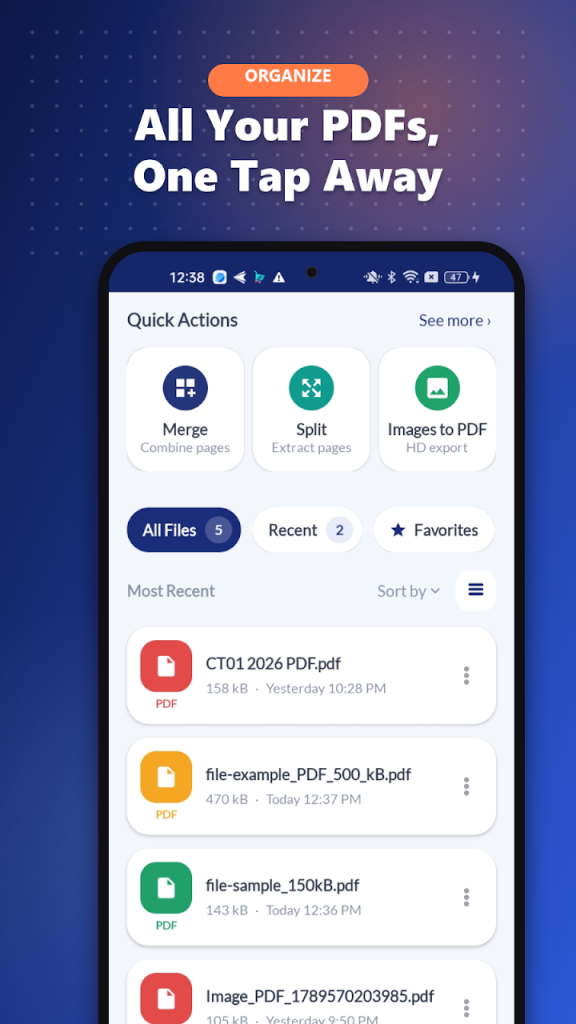
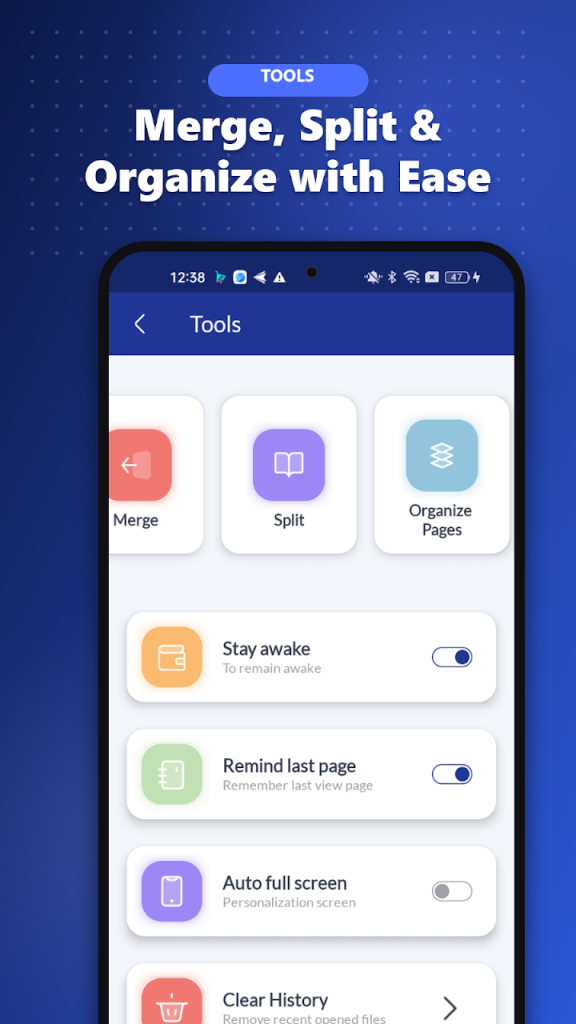
- Merge several PDFs into one, or split a PDF and extract only the pages you need
- Reorder and delete pages with drag and drop
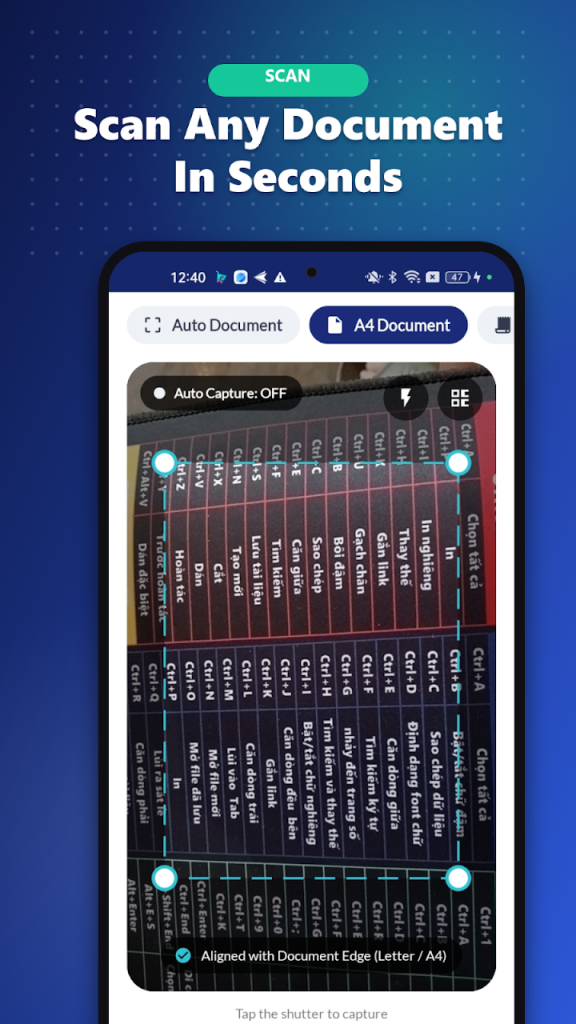
- Document scanner with auto capture and modes for documents, receipts and ID cards
- Convert gallery images to PDF, with cropping
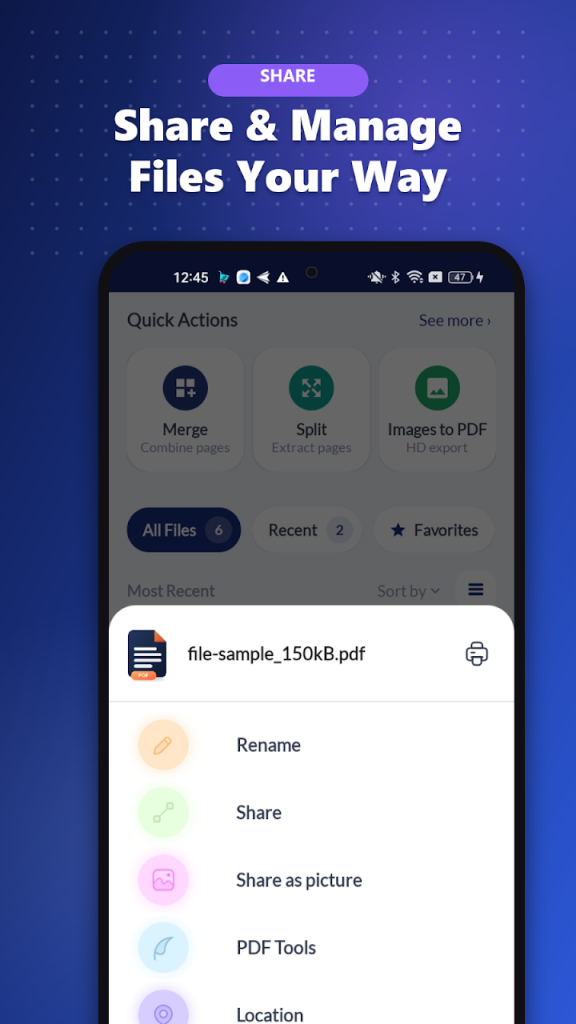
- Extract text from PDF, plus recent files, favorites, search, share and print
Your PDF toolbox in your pocket
Students reviewing lecture notes, office workers handling contracts and reports, anyone who sends documents on the go: RNS Office replaces a handful of separate apps with one reader and one set of PDF tools.
From paper to PDF in seconds
Point the camera at a document, receipt or ID card and the scanner captures it automatically. Add photos from your gallery, crop them, and you have a clean PDF ready to merge, reorder or share.
FAQ
Is RNS Office: PDF Reader & Scan free?
Yes. It is free on Google Play and contains ads.
Can I merge and split PDF files?
Yes. You can combine several PDFs into one document, split a PDF into smaller files, and extract selected pages.
Can it scan paper documents?
Yes. Use your phone camera with auto capture, with dedicated modes for documents, receipts and ID cards, and save the result as PDF.
Does it remember where I stopped reading?
Yes. The reader reopens a document on the last page you viewed.