
Key features
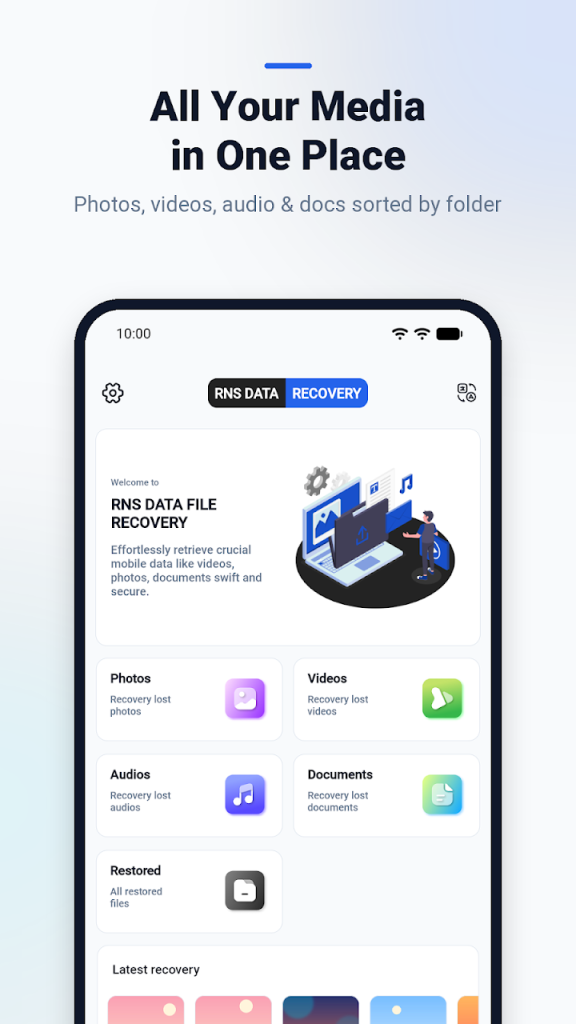
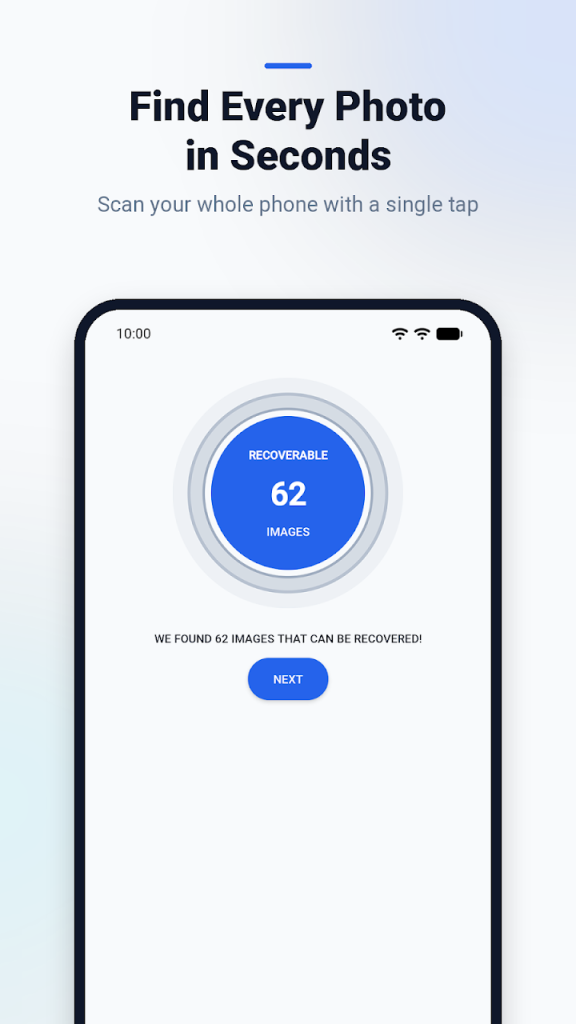
- Photo recovery: scan for deleted photos and images
- Video and audio recovery, including old recordings
- Document recovery for supported documents and PDF files
- Quick storage scan with a preview of every file before you restore it
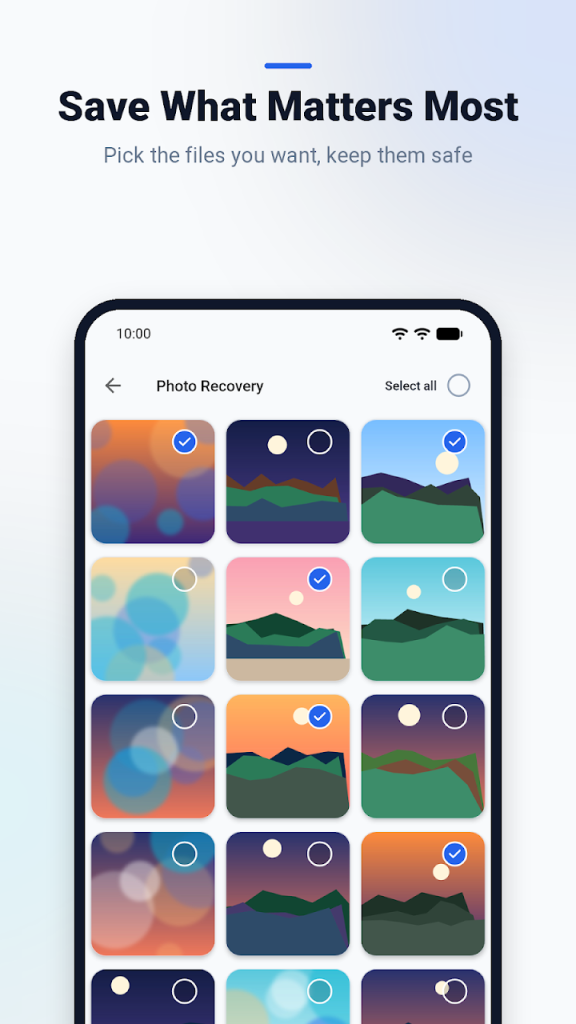
- Pick individual files to recover instead of restoring everything
One app for every kind of lost file
An accidental delete while cleaning storage, a video that vanished, an old voice recording you need again: RNS Data puts photo, video, audio and document recovery in one place, so you do not need a separate tool for each.
Four steps
- Open RNS Data.
- Scan your device storage.
- Browse and preview the files it finds.
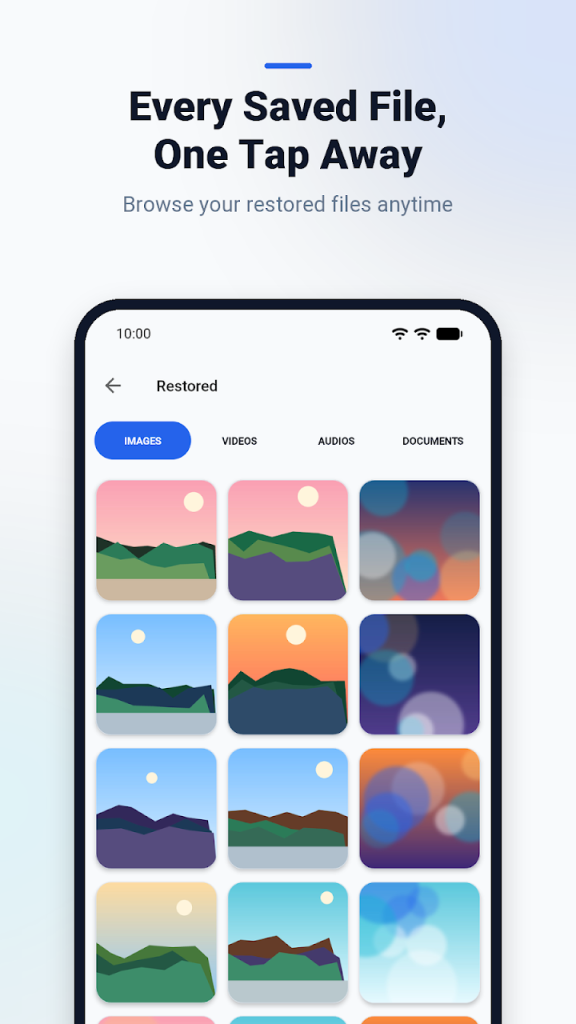
- Select the files you want and restore them.
Tip: the sooner you scan after deleting a file, the better the chance it is still recoverable.
FAQ
Can RNS Data recover every deleted file?
No app can promise that. RNS Data scans your storage and shows the files that are still recoverable, so you can preview them and decide what to restore.
Which file types can I recover?
Photos, videos, audio files and supported documents, including PDF files.
Can I see a file before recovering it?
Yes. Every file found by the scan can be previewed first, then you select only the ones you want.
Is it free?
Yes. RNS Data: File Recovery is free on Google Play and contains ads.